
How do you create a robot face that moves convincingly and communicates clearly?
Robot facial animation combines a designed face with a controllable expression system and a way to coordinate speech, gaze and movement. The process changes depending on whether the face is rendered on a screen, projected onto a surface or moved by physical mechanisms. A detailed model is only one part of the result: the face must also behave coherently during an interaction.
For robotics teams and creative producers, the most useful starting point is a clear delivery brief. Define the platform, the audience, the intended expressions and the conditions in which the face will be seen. This guide explains the main production decisions, what to test and how to describe the work when commissioning a specialist. It focuses on digital facial assets and performance design, while recognising that mechanical implementation requires its own hardware expertise.
Define the face platform before creating the model
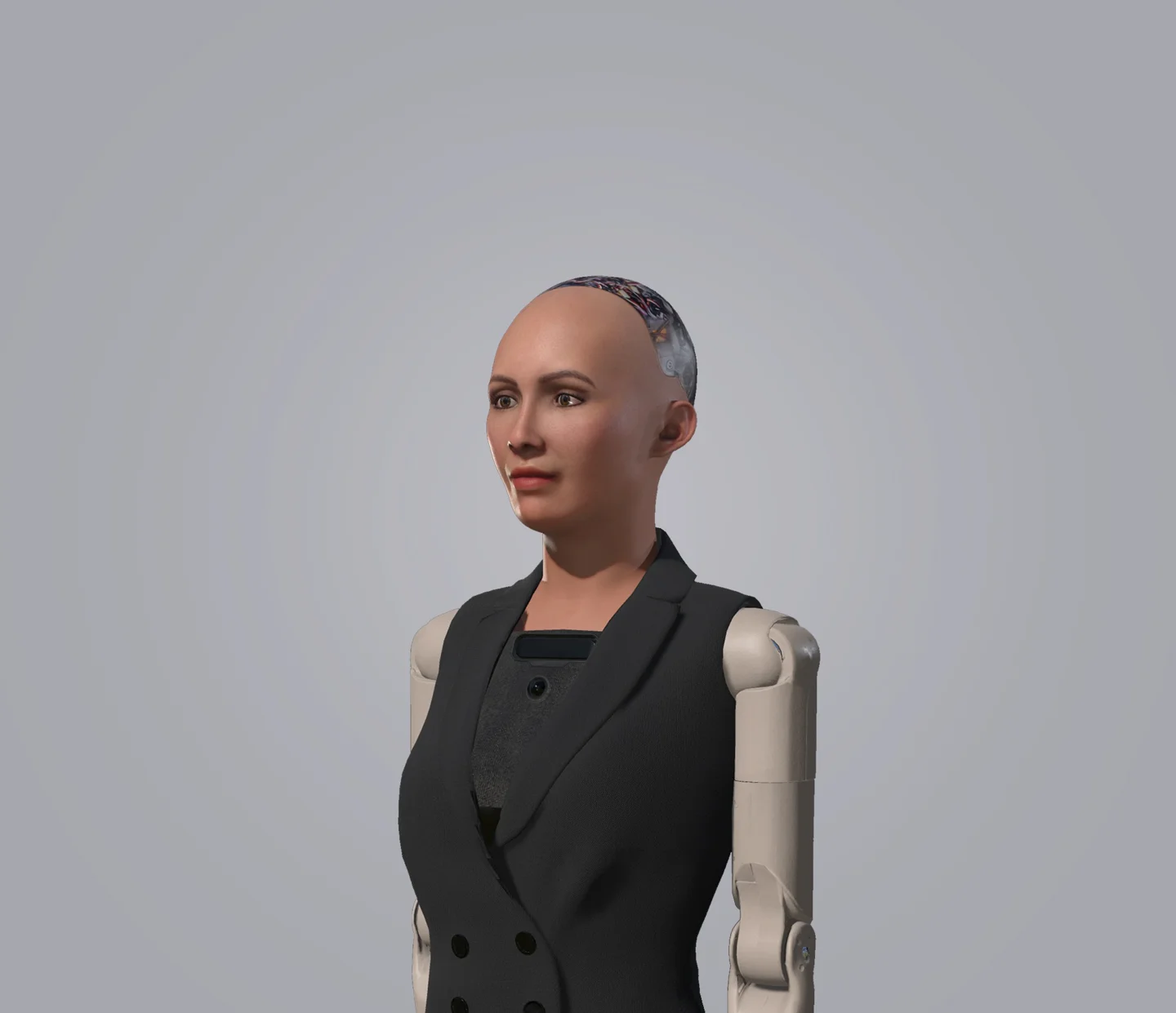
A screen-based face is a rendered image on a display. It may be a simple graphic character or a detailed digital human. Its expressive possibilities are shaped by the visual design, animation rig, rendering budget and display. Because there are no physical facial actuators, its visual movements can be highly flexible. That freedom does not remove the need for consistent anatomy, legible expressions or believable timing.
A projected face uses rendered imagery on a physical surface. The geometry, projector, calibration and viewing angles affect the result. For example, Furhat describes a back-projected face with an animation engine. Its approach demonstrates why a facial asset cannot always be transferred unchanged between a conventional screen and a shaped projection surface. Test the face on the actual presentation system before approving fine visual detail.
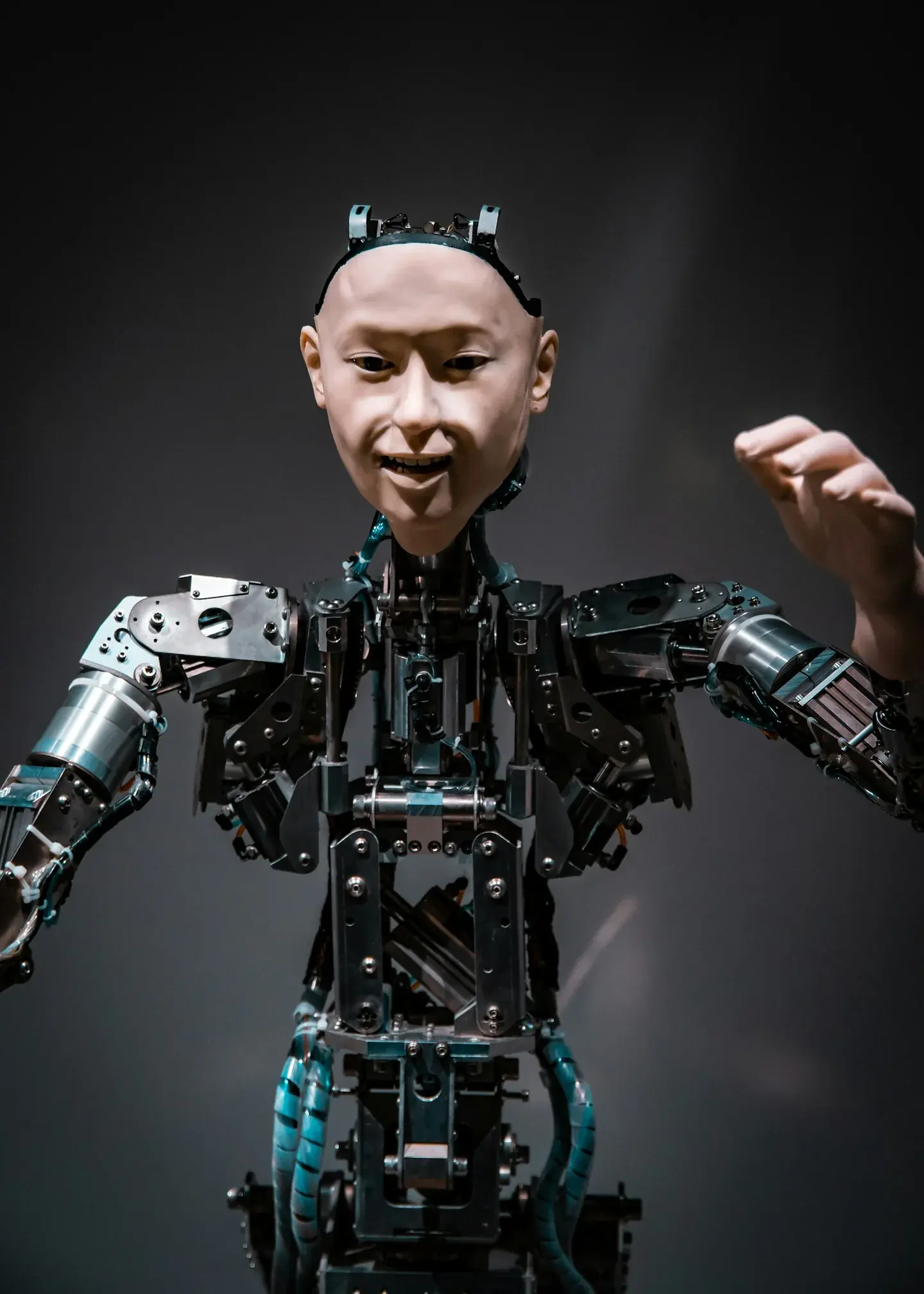
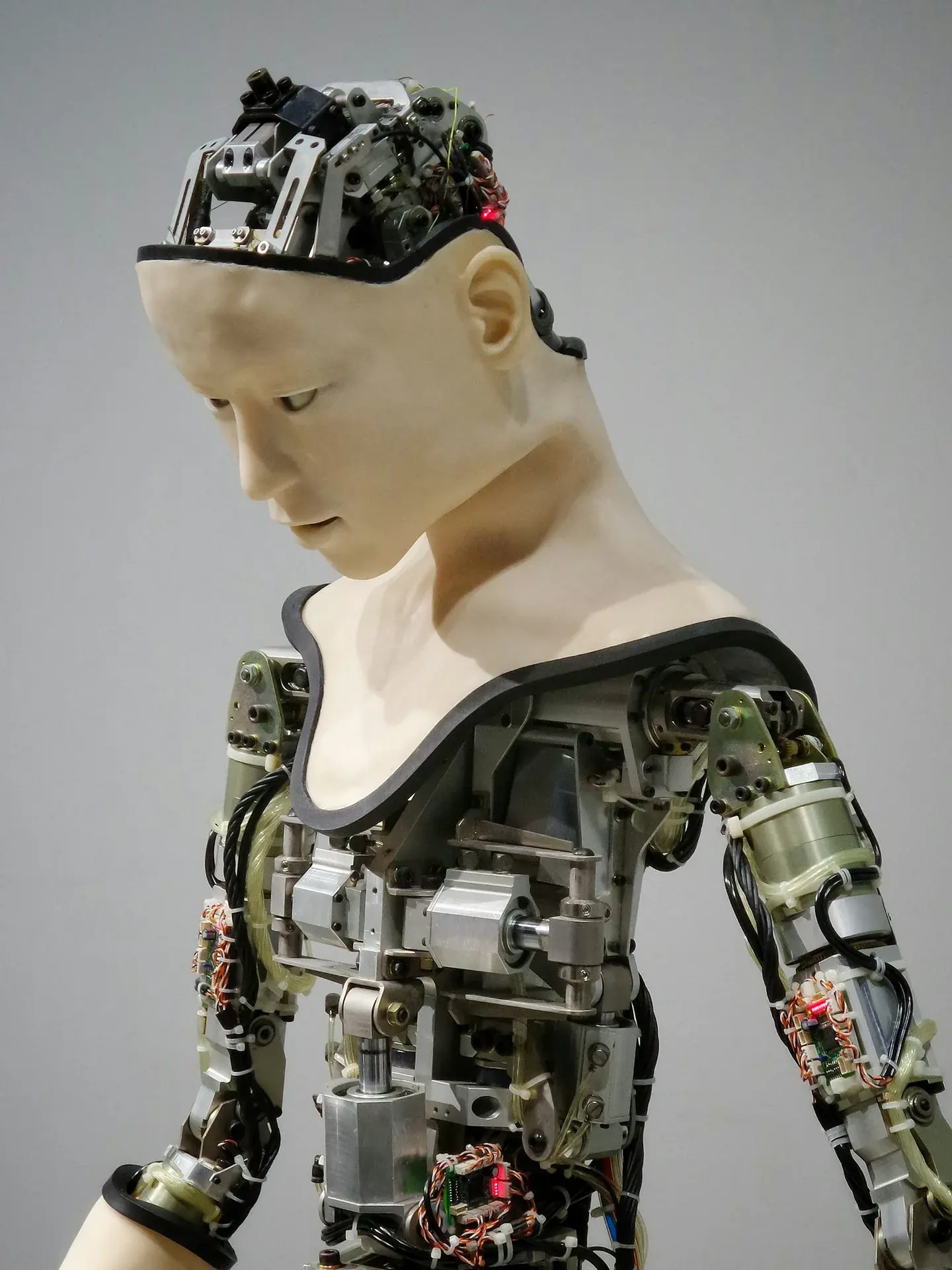
A mechanically actuated face moves physical components or a flexible surface. The available movement depends on the mechanism, materials and controller. A digital expression that looks straightforward in animation may exceed that platform's range or create unwanted deformation. The hardware team must define constraints and verify implementation. A rendered prototype can help communicate an intention, but it does not prove that a physical face can reproduce it.
Choose the level of realism deliberately. Detailed skin and a familiar human appearance may support one concept, while a stylised face may be clearer for another. Do not assume that more realistic imagery automatically produces greater trust or usability. The character's appearance, voice, behaviour and role should make sense together. The broader human–robot interaction design guide explores how these signals shape an encounter.
Record the technical inputs early: target engine or player, expected frame rate, display dimensions, typical viewing distance, available controls and hardware restrictions. Ask which deliverables are needed, such as source meshes, textures, expression targets, animation clips or integration documentation. Our technology overview connects the appearance, motion and conversational layers, while Mimic's capabilities describe the digital work that can be scoped around a particular platform. A precise platform brief prevents visual approval from getting ahead of technical feasibility.
Build a facial model and a controllable expression rig
Begin with approved reference. That can include character designs, photographs, a scan or an existing digital asset. Agree what the face is intended to represent and secure the necessary permissions for any identifiable person. A scan provides surface information; it is not automatically a finished animation model. Cleanup, topology, textures and production constraints still need attention before the face can be used reliably.
Topology is the organisation of the mesh. For an animated face, it needs to support the planned movement around the mouth, eyelids, cheeks and brows. A neutral model may look convincing while deforming poorly when it smiles or speaks. Review expressions during modelling instead of treating animation as a separate final check. Look for collapsing forms, unintended asymmetry and distracting changes in silhouette as the controls move.
A facial rig exposes controls that animators or software can use. One common technique uses blendshapes: alternative mesh shapes are combined to create an expression. Other systems use joints, procedural controls or a mixture of methods. The right choice depends on the platform and the required range. More controls are not automatically better; they need to be understandable, consistent and capable of producing the agreed performance without fragile combinations.
Facial Action Coding System terminology can help teams discuss visible facial movements. Research on evaluating and controlling facial action units in humanoid robot development explores how measured action units can relate to an actuated face. That is a specific research approach, not a claim that every robot uses FACS or that an expression reveals a person's inner emotional state. Use terminology to clarify the brief, then verify what the chosen platform can actually reproduce.
Review a small expression set before building a large library. A useful early set might include neutral attention, a greeting, a listening response and a clear speaking pose, adapted to the character's role. Mimic's Sophia project page describes digital facial modelling and related visual work for Hanson Robotics' robot. The attribution matters: the digital contribution is distinct from the robot's wider hardware and control system. Use project evidence to understand a supplier's precise contribution, rather than treating a familiar robot name as proof of every capability.
Coordinate lip sync, gaze and conversational timing
Lip sync connects speech to visible mouth movement. A viseme is a visual mouth shape associated with speech sounds; several sounds can share a similar appearance. A production system may generate timing from audio or text and map it to a defined set of controls. The mapping, transitions and character proportions determine whether the result reads clearly. Simply opening and closing the mouth in proportion to volume is not the same as a carefully designed speech performance.
Test speech on the actual face. Check short and long answers, difficult names, pauses and changes in speaking speed. Mouth movements should begin and end in a way that matches the audio, and transitions should avoid abrupt popping. The required realism depends on viewing distance and presentation. A small graphic face may need clear, economical movement, while a close-up digital human can expose subtle timing and deformation errors.
Gaze communicates attention, but it needs a defined target and an understandable purpose. Decide whether the character is addressing one visitor, a group or a camera. Design how it looks toward a new speaker and how it behaves when the interaction ends. Constant movement can be as distracting as a completely frozen face. Blinks, head turns and listening gestures should support the encounter instead of running as unrelated decorative loops.
Coordinate the face with the conversation state. A character waiting for a reply should not continue an elaborate speaking performance. If an answer takes time, provide an appropriate acknowledgment and transition. Design interruption handling so that the voice and visible behaviour stop or adapt together. Our conversational AI guide addresses the wider handover and response problem, and the multilingual guide explains why language support requires practical validation.
The need to connect expression and interaction is also visible in current research practice. The HRI 2026 expressive robot faces workshop covered facial animation, gaze and lip synchronisation. This is a useful sign of an active technical field, not evidence that a particular animation technique guarantees better engagement. For a production brief, request representative performance tests and clear review criteria. Mimic's Sociobot face and expression work offers a related example of its digital contribution to social robotics.
Test the performance and commission the right deliverables
Test the face in context, not only as an isolated close-up. Use the intended display or robot, representative lighting, the expected camera or visitor angle and the planned voice. Check whether observers can distinguish listening from speaking and whether expression changes are readable without becoming exaggerated. Keep separate notes for visual problems, timing problems and integration problems so that revisions go to the right person.
For physical platforms, review the proposed digital movements with the hardware team. Document which controls are supported, which need approximation and which should not be attempted. Any mapping to mechanical motion requires platform-specific limits and specialist validation. This article describes design and animation decisions, not instructions for building or safely operating an actuator system. A realistic rendered preview should never be used to bypass physical testing.
Use a repeatable test set. Include a neutral idle sequence, a greeting, a short answer, a longer explanation, a pause, an interruption and a return to rest. Add the languages and names that matter to the deployment. Record the agreed reference outputs and known limitations. Our simulation and digital prototyping guide explains how virtual work can support iteration, while keeping the distinction between a model and a validated physical system clear.
When commissioning work, specify both the assets and the handover. Agree file formats, texture resolution, control names, naming conventions, engine version, example scenes and what the receiving team will need to reproduce the result. Clarify the number of review rounds and what counts as a new requirement. If an integration partner will receive the assets, include that team in technical review before final approval rather than after delivery.
Success should be defined in observable terms. Examples include the required mouth shapes being available, approved expressions blending without obvious faults, speech remaining synchronised in the target setup and an interrupted response returning to the correct state. These checks are more useful than a promise to make the robot feel human. After delivery, maintain a record of revisions and test again when the voice, character or runtime changes. A facial system is part of a larger experience; changes elsewhere can affect how its performance is perceived.
Frequently asked questions
What is robot facial animation?
It is the design and control of visible facial movement for a robot character or platform. It may drive a rendered face, a projection or a representation that informs physical mechanisms. The implementation depends on the target system.
Is a 3D scan ready to animate?
Usually it needs additional production work. A scan captures surface detail, while an animation asset needs suitable topology, textures and controls. The amount of cleanup depends on capture quality, required realism and the target platform.
What is the difference between a blendshape and a viseme?
A blendshape is an alternative mesh shape used as an animation control. A viseme is a visible mouth shape associated with speech. A facial rig can use blendshapes to represent visemes, but the terms describe different things.
Can the same animation drive any robot face?
Not without adaptation. Screen geometry, projection, rig controls and mechanical ranges vary. Retargeting can help, but the receiving platform needs its own mapping, visual review and technical testing.
Do realistic faces always work better?
No universal rule applies. A stylised face can be clear and appropriate, while a realistic face can expose mismatches in voice, movement or timing. Choose a visual approach that fits the audience, task and available system.
Can facial animation prove that a robot understands emotions?
No. Displaying an expression is different from understanding a person's emotional state. Describe the system's actual behaviour and inputs rather than using animation quality as evidence of emotional understanding.
What did Mimic contribute to Sophia?
Mimic's published project description identifies digital facial modelling and related visual work. Sophia is developed by Hanson Robotics. The article does not attribute the complete robot, hardware or AI system to Mimic.
What should I send when requesting a facial-animation proposal?
Provide the platform or engine, approved visual references, required expressions, speech and language needs, viewing conditions and expected deliverables. Include an existing model or rig if available and identify the integration contact.
Plan your next step
An expressive robot face is the result of coordinated decisions about form, controls, speech and interaction. Agree the platform first, test a focused expression set, and validate the finished performance in the environment where people will encounter it. Clear scope and precise project credits make it easier to choose a partner and assess the work.
Discuss your robot's face and expression system. Contact Mimic Androids with your platform, character references and performance goals to scope digital facial assets, expression design or an initial prototype.